 DashboardCreator
Dashboards your team actually asked for — built in four clicks.
Pick servers and services, add their APIs and databases, choose the metrics and watch the charts live — then create the dashboard in Dynatrace. No JSON, no metric selectors typed by hand.
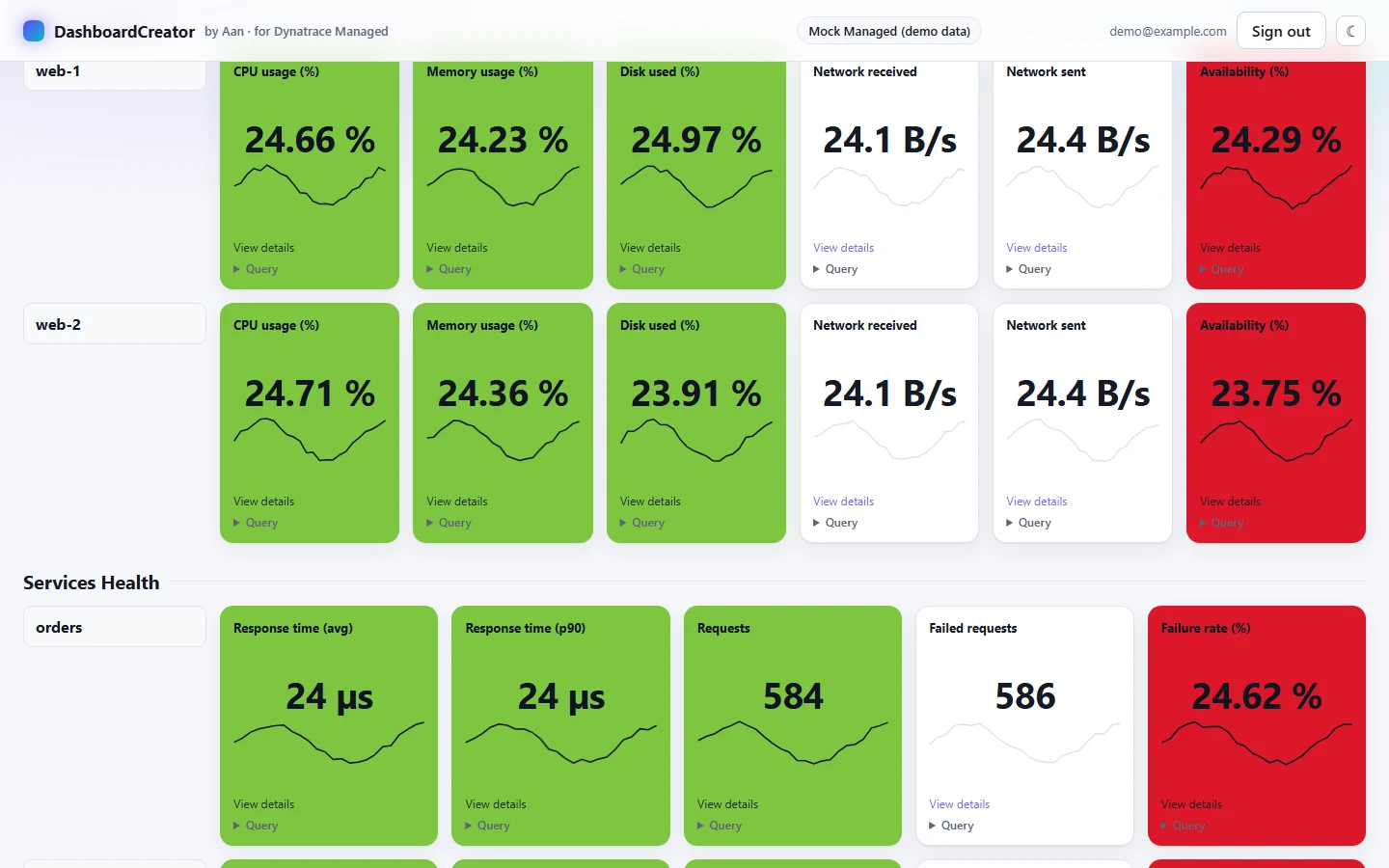
Dashboards, minus the busywork.
Build in four steps
Pick servers and services, add their APIs and databases, choose the metrics, then create. No JSON, no metric selectors typed by hand.
See it before you create it
The live preview uses the same queries as the finished dashboard, with real thresholds and the layout you choose.
Keep full ownership
Dashboards are created in Dynatrace, owned by you and editable like any other — or exported as JSON.
Run it your way
An app for Dynatrace SaaS, a tool for Dynatrace Managed inside your network, a desktop app for Windows and macOS, and an extension with ready-made dashboards.
Pass your security review
Everyone signs in with their own Dynatrace token, kept in memory only. Inputs are validated, and CSRF protection, rate limiting and an audit log are on by default.
License it simply
One yearly license per Dynatrace environment, for unlimited users and dashboards — shared by every form.
See it in action
Preview, then create
A live preview with real thresholds — then create the dashboard in Dynatrace.
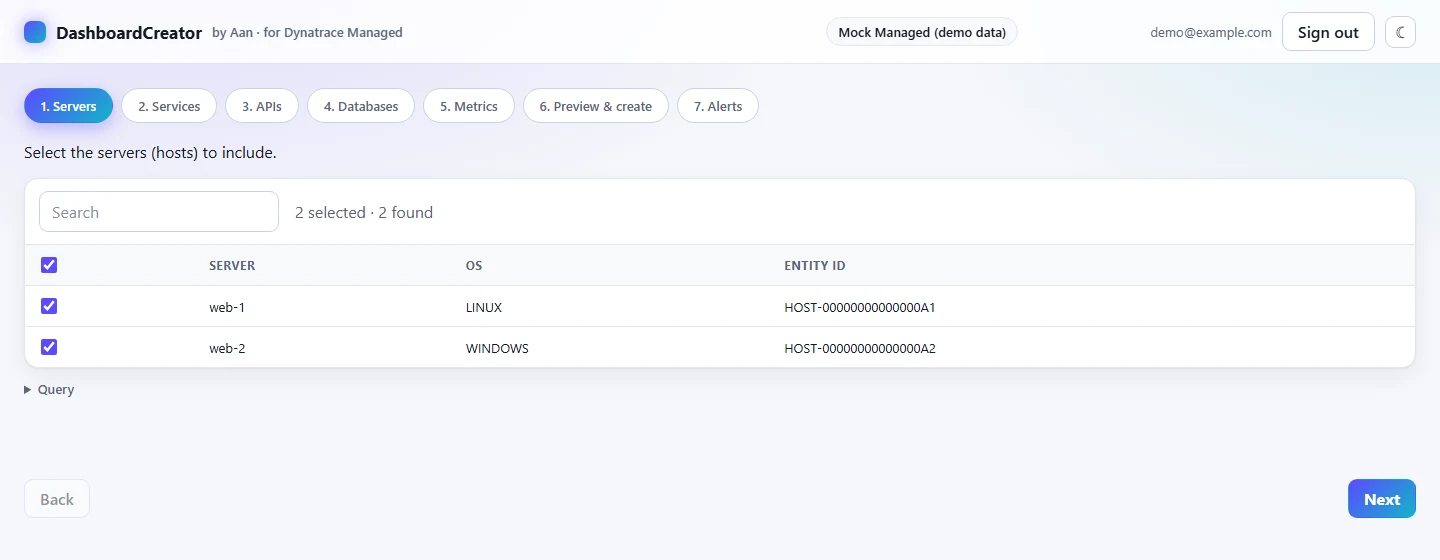
Start with your servers
Step 1: pick the servers the dashboard is about.
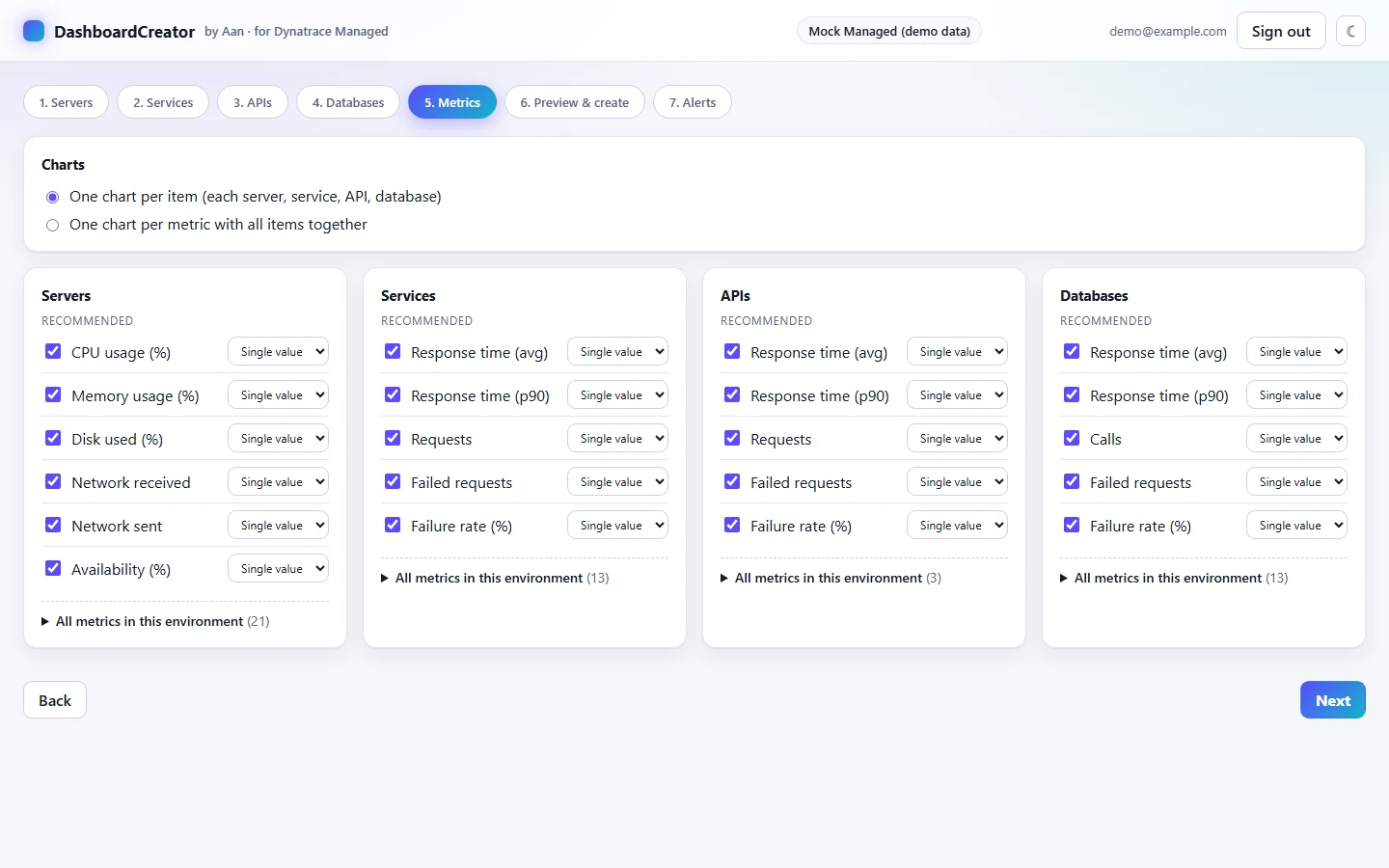
Choose what to measure
Choose the metrics and the chart type for every server, service, API and database.
At a glance
Frequently asked questions
Can I try it first?
Yes. DashboardCreator comes with a 30-day trial that needs no card, and the extension has a free edition.
How is it licensed?
Per Dynatrace environment, yearly, for unlimited users and dashboards. One license covers every form.
Does any data leave our network?
Not with the Tool or Desktop forms: they run inside your network or on your own computer, and each user’s token stays in memory only.
Can we edit the dashboards later?
Yes. They’re ordinary Dynatrace dashboards that you own, and you can export them as JSON.
Take the next step with DashboardCreator
Talk to us about licensing, or ask us anything about DashboardCreator.
More from Aan
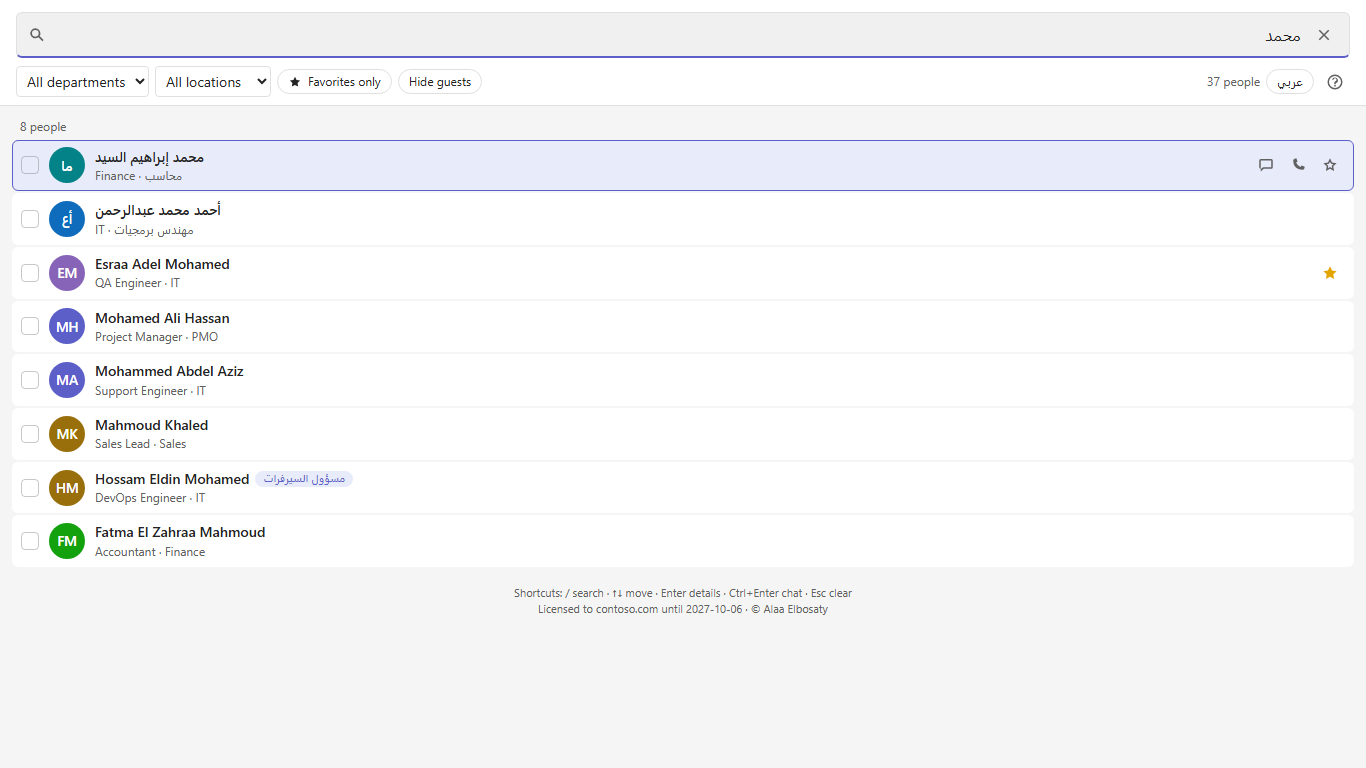

People Finder
Arabic and English people search for Microsoft Teams — ignores hamza variants, takes names in any order, and matches «محمد» with “Mohamed”. Runs entirely inside your Microsoft 365.
Learn more

AanTime
Goals, tasks, habits and time in one system — plus a calm inbox for the requests that come from your partner, family and colleagues, so nobody can derail your day.
Learn more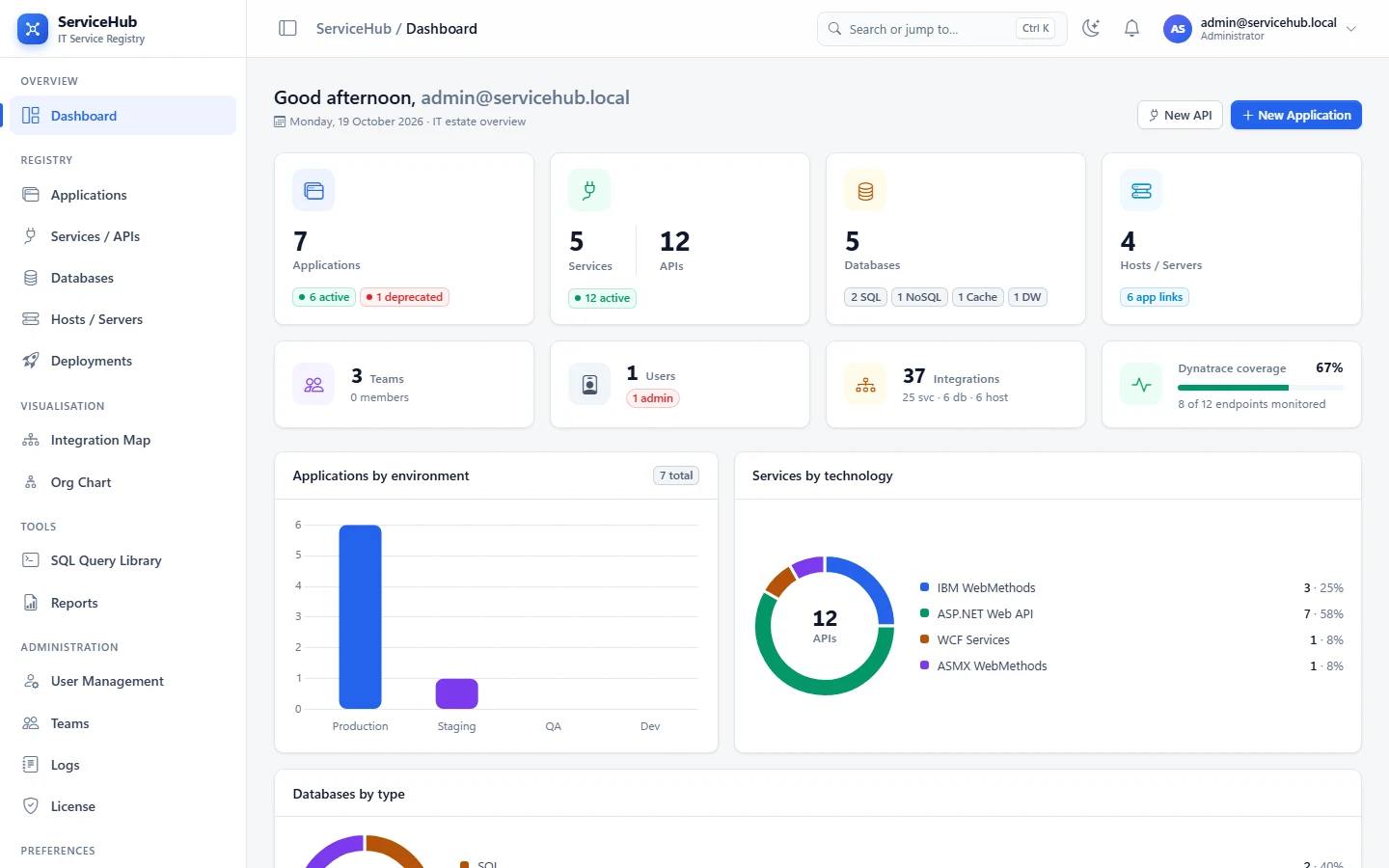

ServiceHub
One registry for applications, APIs, databases and servers, with an interactive integration map, deployment impact checks and Excel or PDF reports. In Arabic and English.
Learn more