 People Finder
Find any colleague in Teams in a second, however you spell their name.
Arabic and English people search for Microsoft Teams — ignores hamza variants, takes names in any order, and matches «محمد» with “Mohamed”. Runs entirely inside your Microsoft 365.
Find anyone. Fast.
Search the way you speak
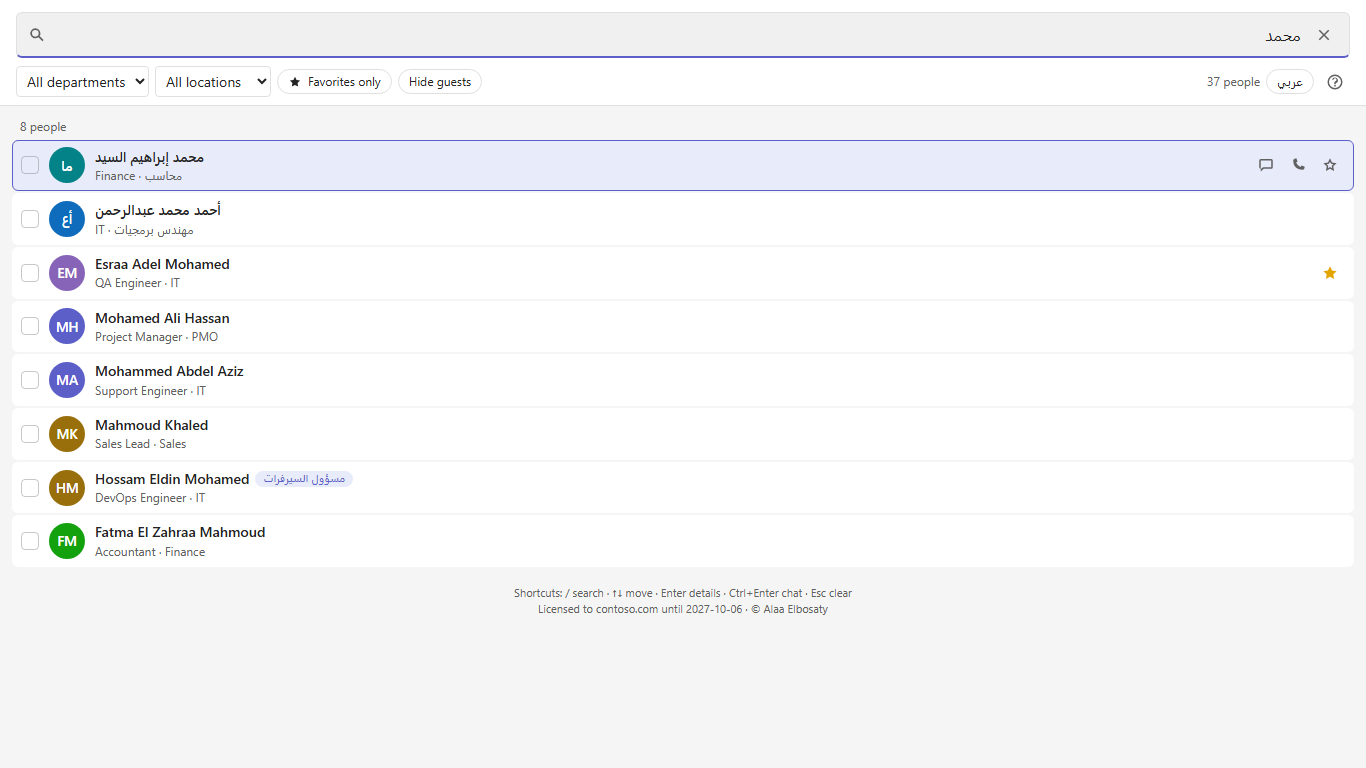
Type a name in Arabic or English. «محمد» finds Mohamed, Muhammad and محمد in one search.
Forgive every spelling
Hamza, taa marbuta, alef maqsura and diacritics are ignored, so «اسراء» finds «إسراء». Typos and missing spaces, too.
Any order, any part
First and last name in any order, middle name optional — the right person still comes first.
See results as you type
Matches appear on every keystroke, in about 25 ms across 30,000 employees.
Act in one click
Chat, call, meet or email straight from the result, with presence, photos and the org chart beside it.
Keep your people close
Favorites, personal groups and private, searchable notes put the colleagues you need most one click away.
See it in action
Arabic and English, together
Searching «محمد» shows Arabic and English names together.
Everything in one place
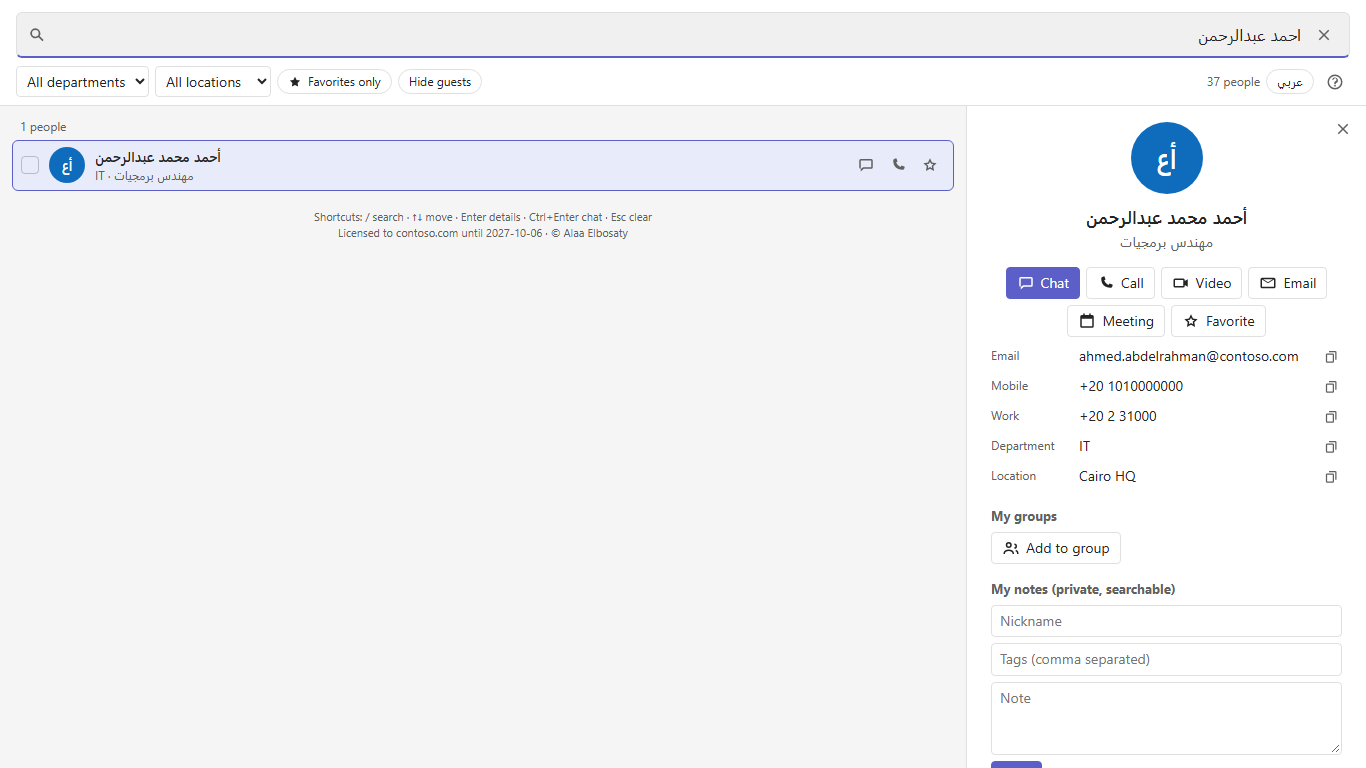
Everyone's details and actions in one place — chat, call, meeting or email.
Your people, ready
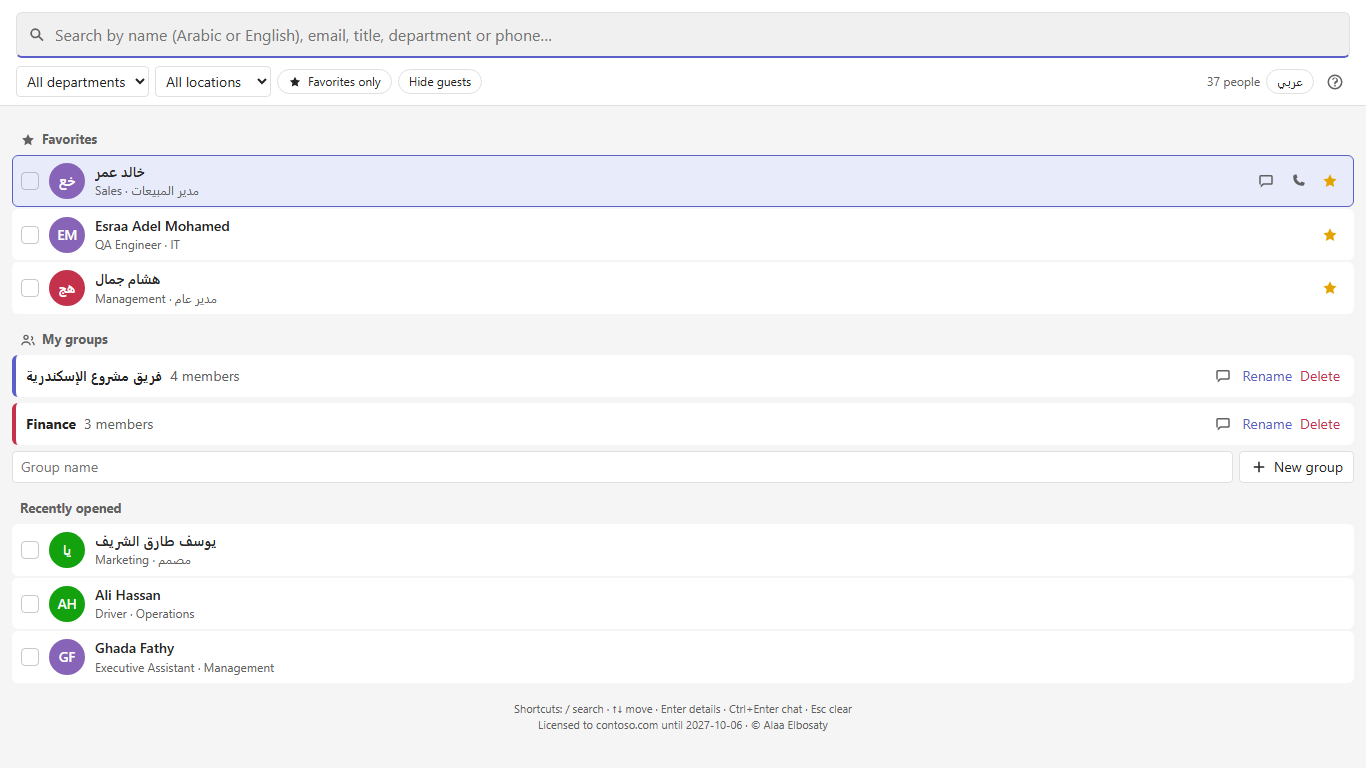
Favorites, your groups and the people you opened recently.
At a glance
Frequently asked questions
Where does our data go?
Nowhere outside Microsoft 365. People Finder runs from your own SharePoint and reads the directory through Microsoft Graph with read-only permissions. There’s no server, no database and no third party.
How long does it take to install?
About ten minutes. It’s a SharePoint Framework package that your Microsoft 365 administrator deploys to Teams.
How is it licensed?
Each copy is licensed to one organization. Contact sales for details.
Which languages does it support?
Arabic and English, in an interface that follows the Teams theme.
Take the next step with People Finder
Talk to us about licensing, or ask us anything about People Finder.
More from Aan

AanTime
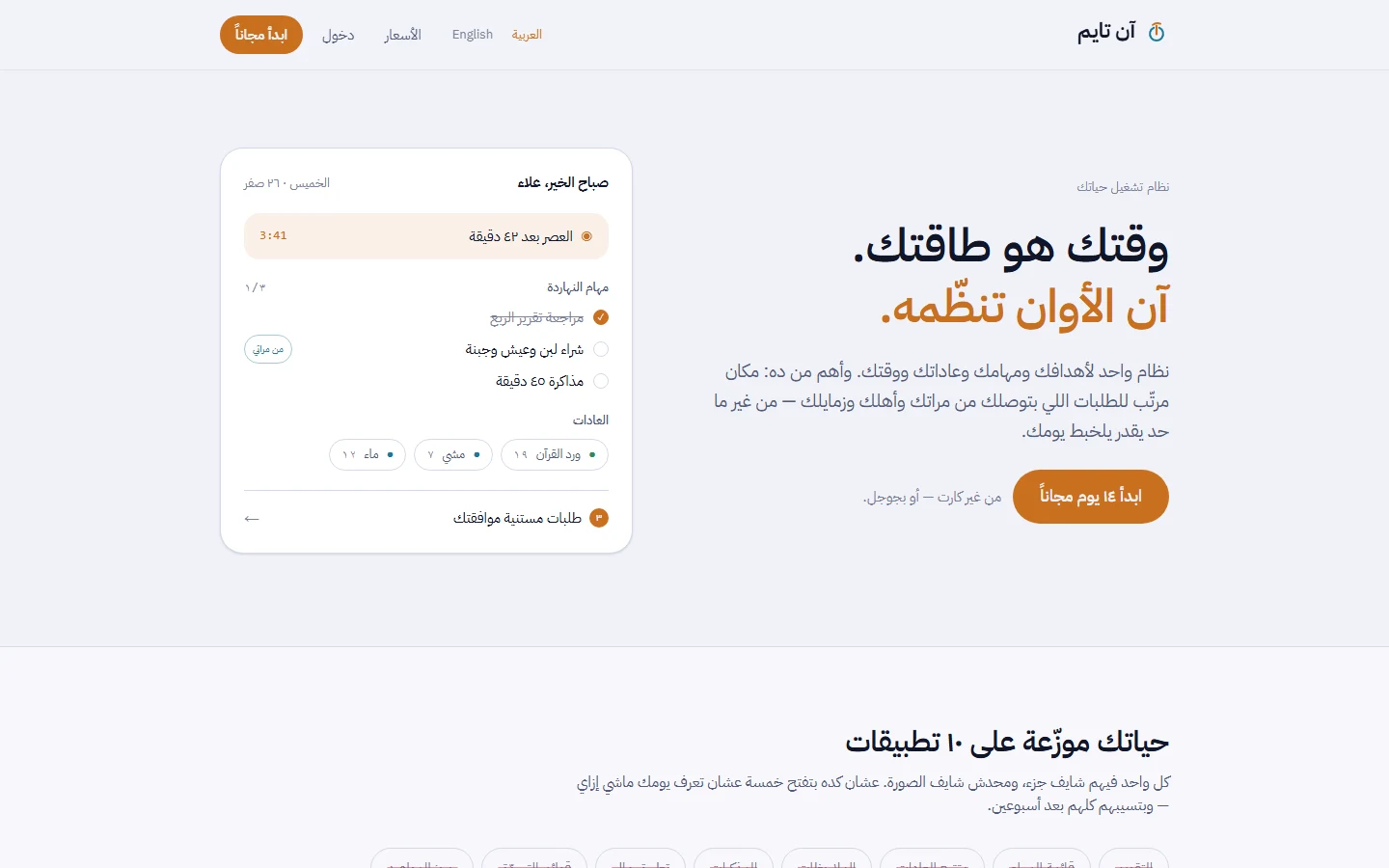
Goals, tasks, habits and time in one system — plus a calm inbox for the requests that come from your partner, family and colleagues, so nobody can derail your day.
Learn more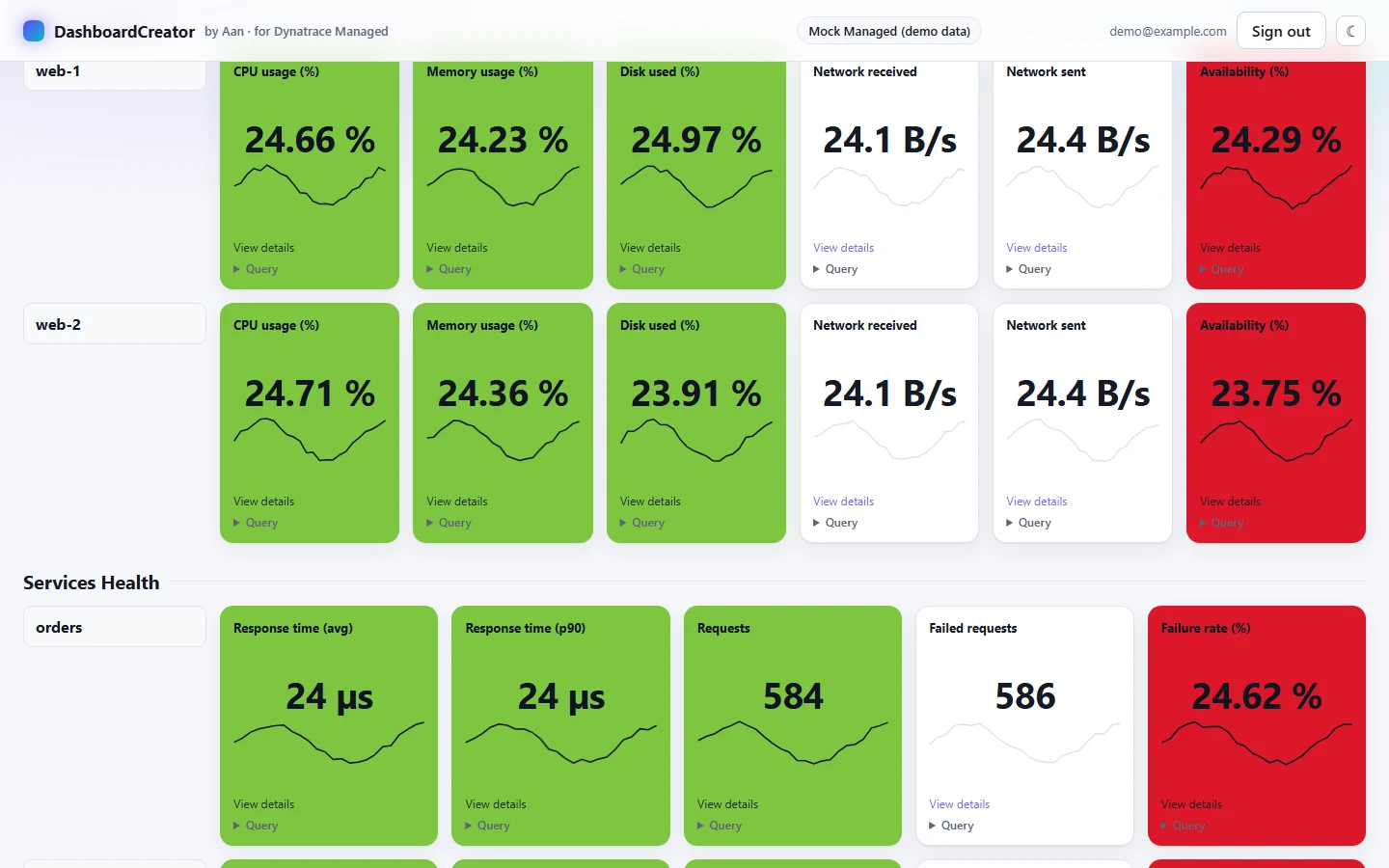

DashboardCreator
Pick servers and services, add their APIs and databases, choose the metrics and watch the charts live — then create the dashboard in Dynatrace. No JSON, no metric selectors typed by hand.
Learn more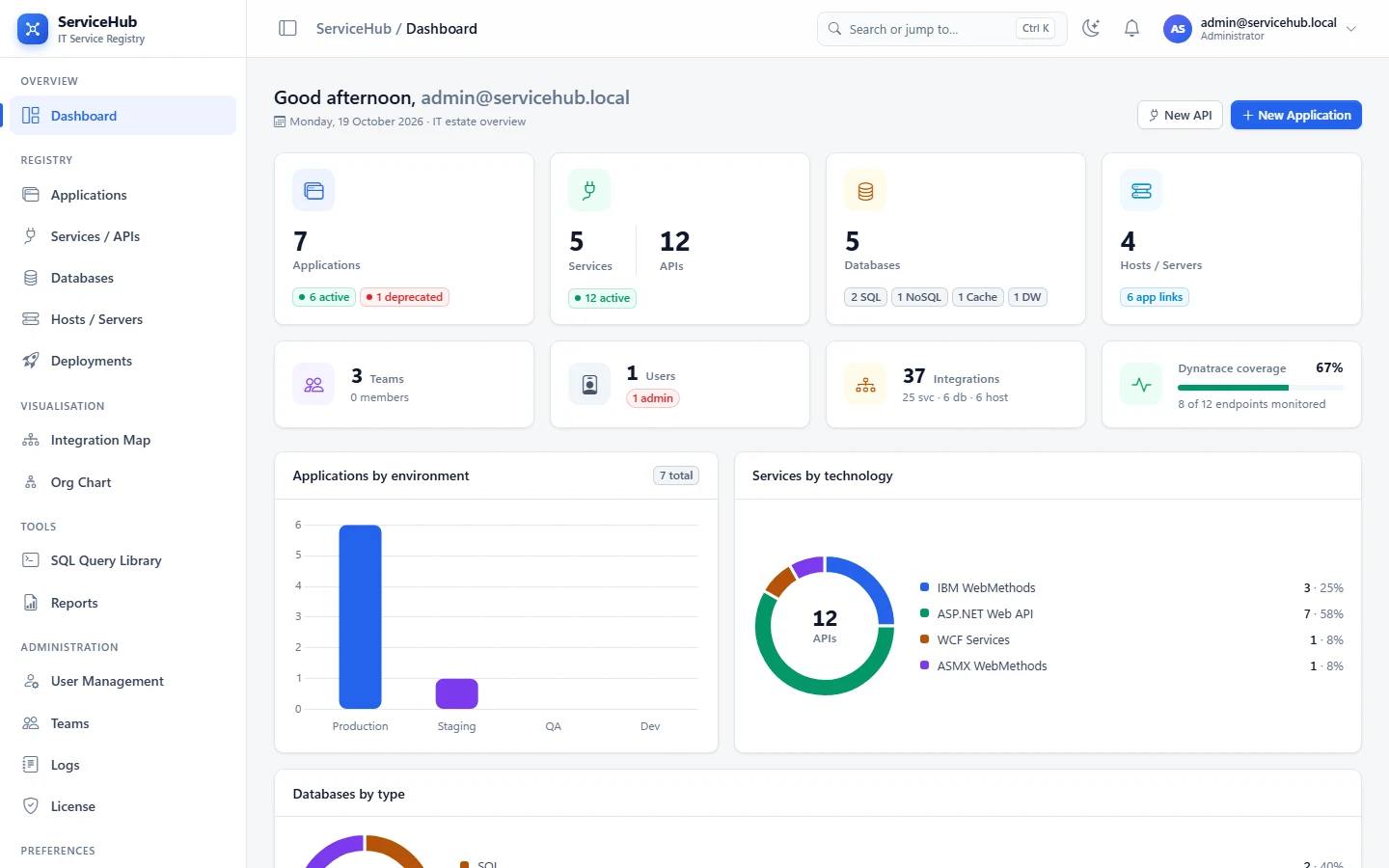

ServiceHub
One registry for applications, APIs, databases and servers, with an interactive integration map, deployment impact checks and Excel or PDF reports. In Arabic and English.
Learn more